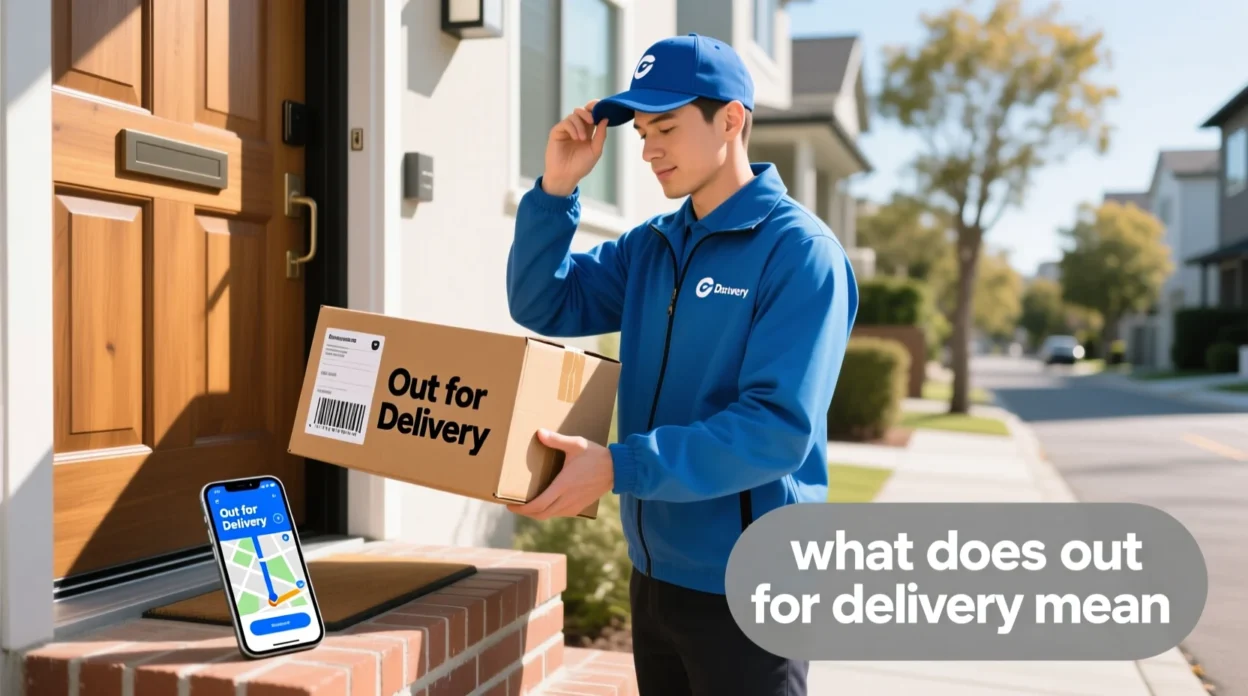
Have you ever been eagerly tracking a package online and suddenly saw the status “Out for Delivery”? You might have paused and wondered: “Does this mean it’s already delivered or still on the way?” Don’t worry — this is a common question.
In this guide, we’ll explain exactly what “out for delivery” means, how to interpret it, when your package will arrive, and even share a mini quiz to make sure you remember it. By the end, you’ll be a tracking pro and never confused by delivery updates again.
Quick Answer:
“Out for Delivery” means your package has left the local delivery center and is on its way to your address. It’s usually delivered the same day, depending on the courier and location.
🧠 What Does Out for Delivery Mean?
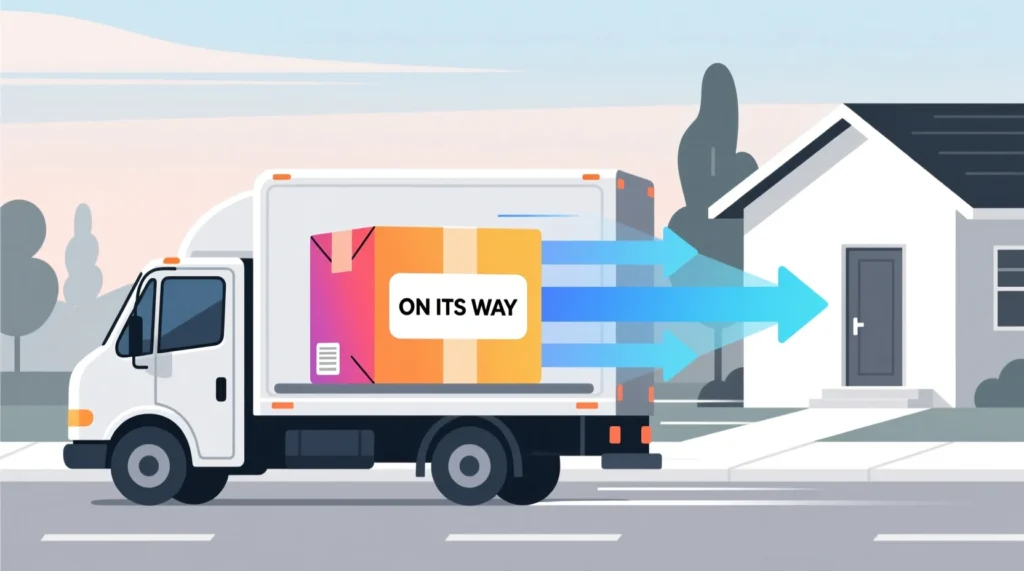
When a courier updates a package status to “Out for Delivery”, it means:
- The package is loaded onto a delivery vehicle
- It’s actively on its way to the recipient
- Delivery usually happens the same day
It does not mean the package is already delivered — it’s still in transit.
Example in a sentence:
“My order says ‘Out for Delivery’ — I’ll get it by this evening!”
In short:
Out for Delivery = On the delivery truck = Expected to arrive today.
📱 Where Is “Out for Delivery” Commonly Seen?

You’ll find this status on:
- Amazon, eBay, Walmart, or online store tracking pages 🛒
- Courier apps like FedEx, UPS, DHL, USPS 🚚
- SMS or email notifications from online retailers ✉️
Tone: Informative ✅
Formality: Neutral, customer-friendly ✅
💬 Examples of Out for Delivery in Real-Life Use
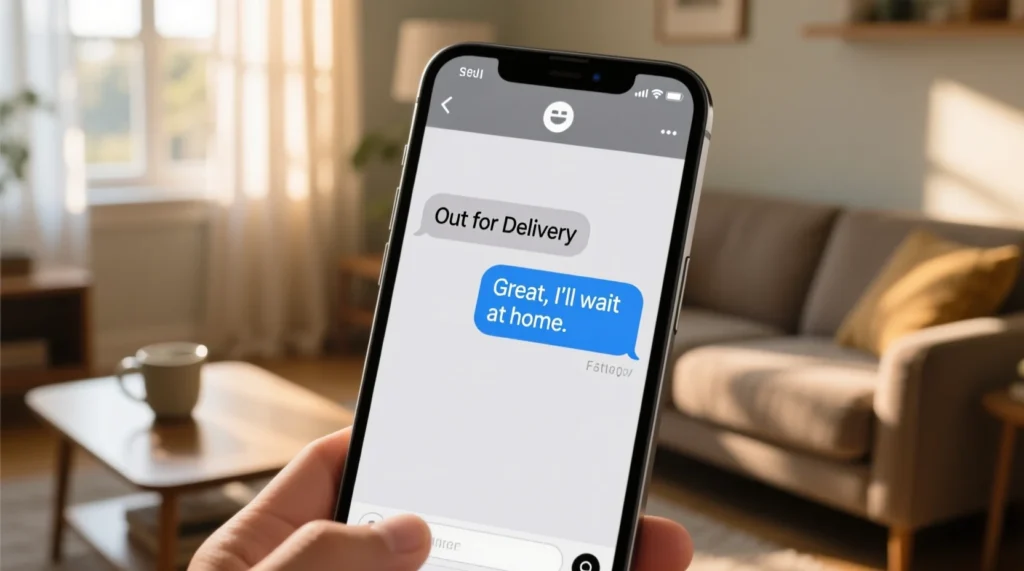
A: Did my package ship yet?
B: Yes! It’s out for delivery today.
A: Amazon says “Out for Delivery.”
B: Perfect, I’ll wait at home then.
A: USPS shows “Out for Delivery.”
B: Great, maybe it’ll arrive by noon.
A: My FedEx tracking says “Out for Delivery.”
B: Awesome, should get it today.
A: DHL status: Out for Delivery.
B: Time to pick up my new laptop 😄
🕓 How Long Does Out for Delivery Take?
- Most couriers deliver within the same business day
- Timing depends on package priority, courier route, and traffic
- Morning updates → likely delivery by afternoon
- Afternoon updates → may deliver by evening
Tip: Some couriers provide estimated delivery windows in the app.
⚖️ Difference Between “Shipped” and “Out for Delivery”
| Status | Meaning | Where the Package Is |
|---|---|---|
| Shipped | Left the warehouse | In transit, not yet at local hub |
| Out for Delivery | On delivery truck | Local delivery center → your address |
| Delivered | Received by customer | At your doorstep |
🔄 Common Questions About Out for Delivery
1. Does “Out for Delivery” guarantee same-day delivery?
Usually yes, but delays can happen due to traffic, weather, or courier issues.
2. Can I reschedule if it’s out for delivery?
Some couriers allow rerouting or rescheduling via their apps.
3. What if I miss the delivery?
The courier may attempt another delivery or leave it at a pickup location.
4. Can neighbors get my package instead?
Depends on courier rules — sometimes they leave packages with neighbors or safe spots.
5. How do I track my package in real time?
Use courier apps like FedEx, UPS, USPS, or tracking links from your order confirmation.
📝 Mini Quiz – Test Your Knowledge
1. What does “Out for Delivery” mean?
a) Already delivered
b) On its way to your address ✅
c) Still in the warehouse
2. When a package is out for delivery, it:
a) Might arrive the same day ✅
b) Has already been signed for
c) Is lost
3. Which status comes before Out for Delivery?
a) Delivered
b) Shipped ✅
c) Returned
4. Can “Out for Delivery” be delayed?
a) No
b) Yes ✅
c) Only for international packages
5. Which of these apps shows Out for Delivery?
a) Amazon ✅
b) Word Processor
c) Calculator
📝 Conclusion
“Out for Delivery” is a clear, helpful update letting you know that your package is on its way. While it doesn’t mean it’s already at your doorstep, it usually indicates same-day arrival. Understanding this term helps you track deliveries confidently, avoid confusion, and plan your day around receiving packages.