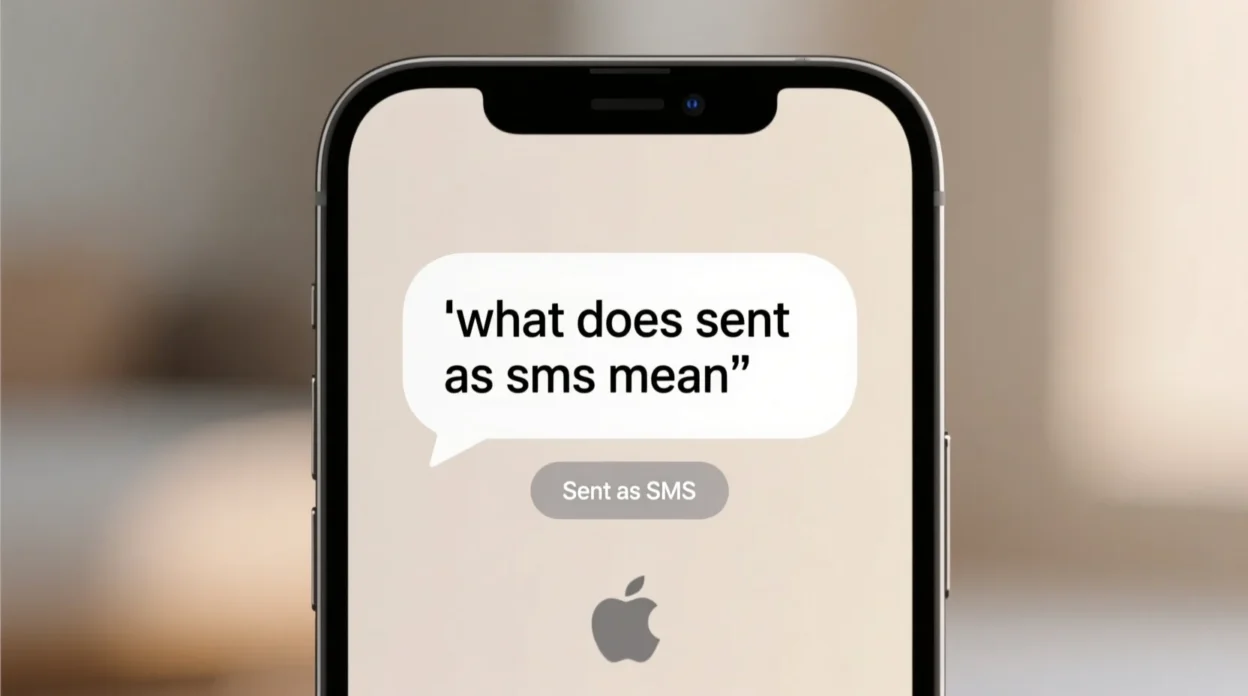
You’re texting someone, everything is normal, and then you glance back at the message you sent — but instead of the usual blue or green bubble, you see a tiny notification or tag underneath that says: “Sent as SMS.” What does that mean? Why did your message switch modes?
If this sounds familiar, you’re not alone. Text apps are constantly switching between internet-based messaging and traditional cellular texting. And when you see “Sent as SMS,” it’s not an error — it’s a function your phone uses to keep messages going even if the connection drops.
In this full guide, we’ll break down:
- What “Sent as SMS” means
- Why your phone switches modes
- The difference between SMS and other types of messages
- How it affects delivery, cost, and features
- How to turn it on or off
- What you should do if you keep seeing it
- Scenarios where it helps or causes confusion
Let’s get started.
What Does “Sent as SMS” Actually Mean?
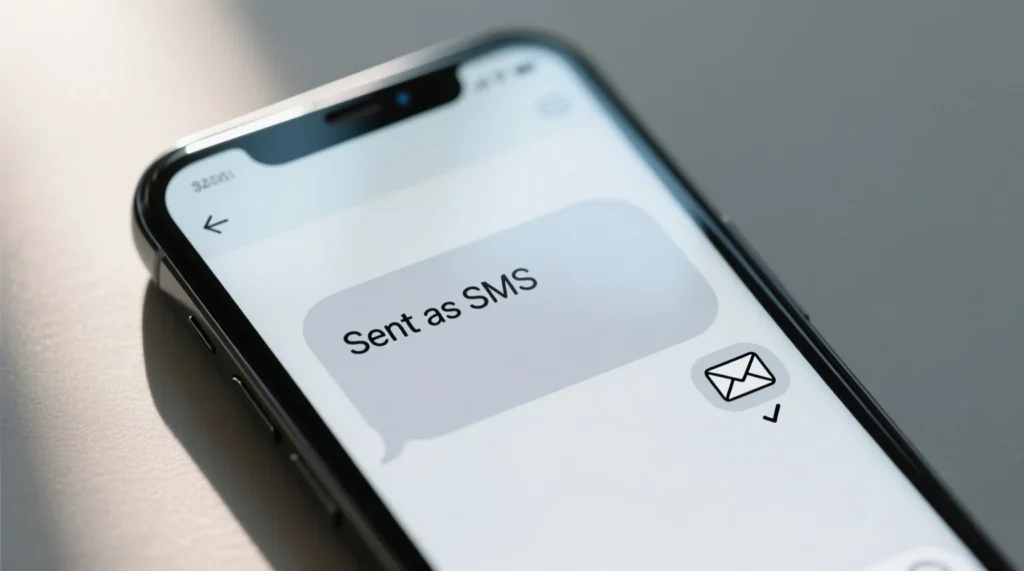
Whenever a message shows “Sent as SMS,” it means your phone couldn’t send it through regular internet messaging and instead used standard SMS — Short Message Service — to deliver it.
In other words, the message was sent through your mobile carrier rather than over Wi-Fi or mobile data.
Why does this happen?
It typically happens when:
- Internet is not available
- Weak data or Wi-Fi signal
- Recipient’s phone is out of service
- Messaging app fallback settings are on
Your device automatically switches to SMS so the message still gets sent — it just uses text instead of data.
What is SMS? 🧰
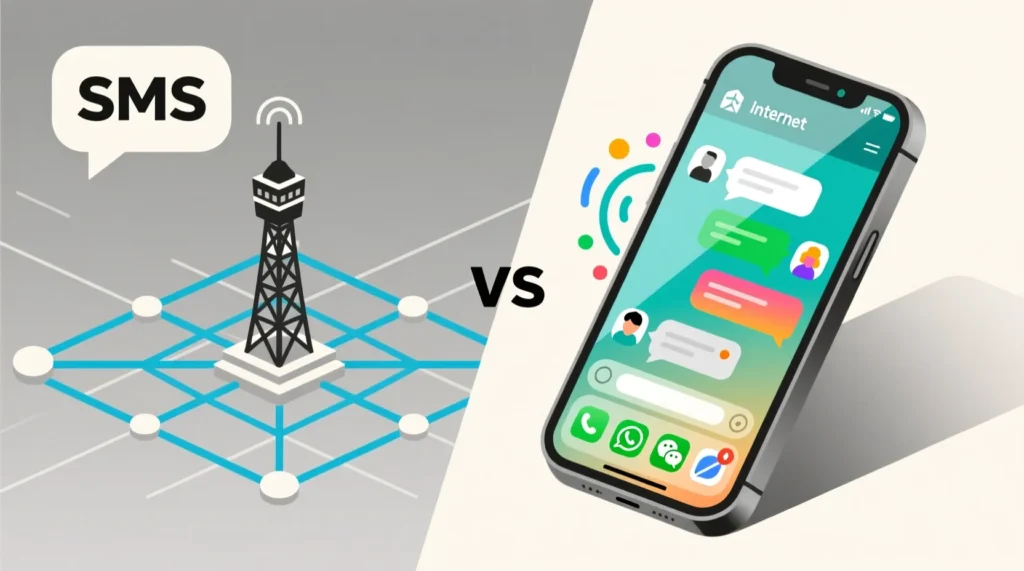
SMS stands for Short Message Service — the original texting method that’s been around since the early days of mobile phones.
You may not even realize it, but SMS is completely different from message delivery systems like iMessage, WhatsApp, or Messenger.
Here’s a breakdown:
| Feature | SMS | Internet Messaging |
|---|---|---|
| Sent via | Your carrier | Wi-Fi or mobile data |
| Cost | May cost per text | Data/wifi (free) |
| Character limit | 160 characters | Usually unlimited |
| Works without internet | Yes | No |
| Supports media | No (SMS only) | Yes (pics, videos, gifs) |
When Your Phone Sends SMS Instead of an App Message
Most modern phones use rich messaging formats when you text someone else with the same device or app. For example:
- iPhones use iMessage
- Android devices use RCS (chat features)
- Apps like WhatsApp and Signal depend entirely on data
But when your phone isn’t connected to the internet or can’t reach the server, it’ll fall back to SMS if the setting is allowed.
Example scenarios:
- You’re in an elevator or basement and the Wi-Fi drops.
- You’re traveling with no data but still have phone signal.
- The recipient’s phone is temporarily offline.
- Your messaging server is down.
Your phone is basically saying: “Can’t send this the usual way — but don’t worry, I’ll send it as a text.”
“Sent as SMS” on iPhone 📱
If you’re using an iPhone and see “Sent as text message” under your bubble, that’s Apple’s way of letting you know your blue iMessage couldn’t send, so it reverted to green SMS.
Apple devices show:
- Blue bubble = iMessage (internet)
- Green bubble = SMS/MMS (carrier)
And underneath, you’ll sometimes see the phrase “Sent as text message.”
To control this behavior:
Settings > Messages > Send as SMS
Turn it on or off based on your preference. If it’s off, your phone will only send messages using iMessage.
“Sent as SMS” on Android 📲
Android devices use something called RCS (Rich Communication Services), which is kind of like iMessage for Android.
If the advanced messaging system can’t send your message, it may show something like:
- “Sent as SMS”
- “Message sent via SMS fallback”
You’ll find the control here:
Messages App > Settings > Chat Features > Send SMS when offline
Does “Sent as SMS” Mean the Person Blocked You?
This is a commonly asked question — especially when people see this notification appear unexpectedly while messaging someone they talk to often.
The answer is: not always.
Seeing “Sent as SMS” doesn’t guarantee you’re blocked. It may simply mean:
- Their phone is off
- They’re out of service
- They turned off data for messages
- They disabled iMessage or RCS
- There’s no internet
However, if it keeps happening only for one person and you also notice:
- No read receipts
- Only green bubbles (if you’re on iPhone)
- No replies
Then there’s a slight chance you’re being avoided or blocked.
But again, don’t jump to conclusions too fast.
Can You Turn SMS Off Completely?
Yes — you can prevent your phone from sending SMS messages entirely. But be careful.
Here’s how:
On iPhone:
- Go to Settings
- Tap Messages
- Turn OFF Send as SMS
Now your phone will only send using iMessage. That means if someone doesn’t use an Apple device or you’re offline — the text won’t deliver.
On Android:
- Open Messages
- Go to Settings
- Turn OFF SMS fallback
Same warning applies — some messages may not deliver at all.
Is There a Cost with SMS?
Depending on your carrier plan — yes.
Text messages sent as SMS use your mobile plan. If you have unlimited texting, you’re fine. If not, every SMS may cost you.
This is especially important when traveling, because international SMS fees can be expensive.
If you want to avoid this, make sure:
- “Send as SMS” is off
- Use messaging apps (WhatsApp, Messenger, Signal, etc.)
What About MMS?
MMS stands for Multimedia Messaging Service — and it’s what your phone switches to when sending pictures, group messages, or videos over carrier networks.
If your message is too big or includes media, and the network isn’t stable, you might see something like:
- “Sent as MMS”
- “Sent using mobile network”
MMS uses more data than SMS, and some carriers charge extra for it.
Real Examples of “Sent as SMS” Situations
Scenario 1: Poor Signal, Not Wi-Fi
You’re hiking and try texting directions to your group. The app can’t connect to servers, so it sends your message as SMS.
Scenario 2: Person Offline
You text a friend who turned off their data on purpose to save battery. Your message gets sent as SMS so they still receive it.
Scenario 3: Travel Mode
You’re overseas, forgot to turn off “Send as SMS,” and suddenly your phone bill includes 50 messages charged at $0.50 each.
Scenario 4: Battery Saver Mode
Some phones disable data-heavy apps under low battery mode, triggering messages to be delivered as SMS.
What Should You Do If You Keep Seeing It?
If “Sent as SMS” keeps showing for a single conversation, here’s what you should try:
- Check your or their internet connection
- Ask if they turned off their chat features
- Restart phone to refresh network
- Try messaging someone else to compare
- Confirm if they changed phones (Android to iPhone)
Should You Worry?
Absolutely not. “Sent as SMS” is a helpful feature, not a bug.
Your device is simply finding a way to get your message across when modern systems fail. It’s built-in redundancy.
Only worry if:
- You’re paying per message
- You keep seeing it without Wi-Fi issues
- You’re messaging someone who never replies
Other Terms You Might See Alongside
| Phrase on Phone | Meaning |
|---|---|
| Delivered | Message arrived successfully |
| Read | User opened your message |
| Not delivered | Message failed |
| Sent via RCS | Sent using advanced chat |
| SMS only | Only traditional texting allowed |
Final Thoughts
Seeing “Sent as SMS” is simply your phone saying that a message has bypassed Internet chat and used traditional texting instead. It’s not usually a problem — just a built-in solution when things aren’t working as intended.
Whether you’re using an iPhone with iMessage or an Android with RCS features, your phone’s job is to deliver your words. And if it needs to switch to old-school SMS to do that? It will.
The best thing you can do is understand what it means, check your settings, and keep an eye on your signal when sending important messages.